Square Face Generator Gallery

Compare 16 avatar examples and their styling tips. Choose a reference to keep beside the editor, then select the parts and colors yourself. These images do not load as editable presets.

Avatar ideas and styling steps

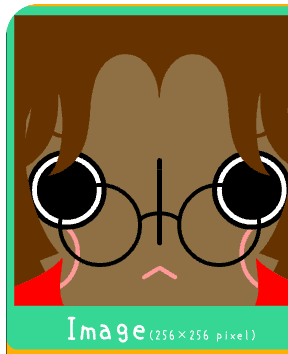
Dark-skinned avatar with round glasses and center-parted brown hair

Round glasses profile

Round frames and a red top stand out against a dark skin tone.
  1. Choose a dark skin tone and brown hair.
  2. Pair a center part with large round glasses.
  3. Add a red top to give the face a bright edge.
Use as a manual reference
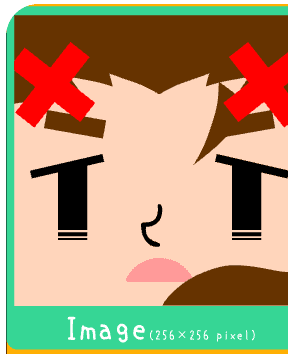
Peach-toned avatar with red crossed clips, angled bangs, and a pink mouth

Red cross-clip icon

Red crossed clips frame an angled fringe and a small pink mouth.
  1. Start with peach skin and an angled fringe.
  2. Look through the hair accessories for red crossed clips.
  3. Choose long, narrow eyes and a small pink mouth.
Use as a manual reference
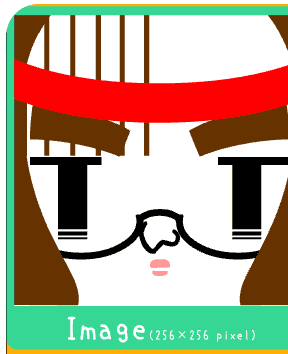
Pale avatar with a red band, large round glasses, and a tiny pink mouth

Ribbon monochrome face

A red band contrasts with a pale face and large round glasses.
  1. Choose pale skin and long, narrow eyes.
  2. Add large round glasses and a tiny pink mouth.
  3. Finish with a red band across the hair.
Use as a manual reference
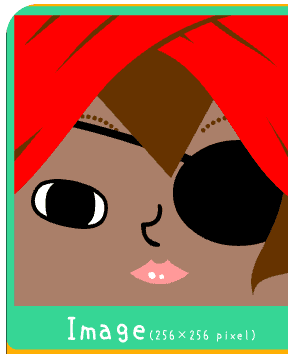
Warm-toned avatar with bright red side-swept hair and a large dark lens over one eye

Bold red side sweep

Bright red hair draws attention to the sweeping fringe and a dark round lens.
  1. Set a warm skin tone and bright red hair.
  2. Choose a sweeping fringe with longer side hair.
  3. Add a large dark lens accessory and a small pink mouth.
Use as a manual reference
Pale avatar with straight bangs and curled side strands

Curly bangs creator icon

Straight bangs and curled side strands frame a pale face.
  1. Begin with pale skin and dark hair.
  2. Combine a straight fringe with curled side strands.
  3. Choose a small mouth so the hair remains the focus.
Use as a manual reference
Brown avatar with a large smile and a dark circular eye detail

Big smile mascot face

A broad grin and a dark eye detail create a bold mascot expression.
  1. Choose warm brown skin and hair.
  2. Try the broad smile shapes in the mouth tab.
  3. Add a dark eye detail for a strong contrast.
Use as a manual reference
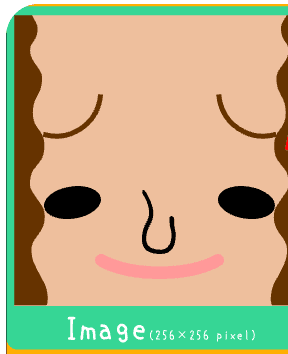
Peach-toned avatar with side curls, small round eyes, and a pink smile

Soft curl smile

Small round eyes, curls, and a wide pink smile make a relaxed expression.
  1. Start with peach skin and curled side hair.
  2. Choose small round eyes and a simple nose.
  3. Try a wide pink mouth to complete the smile.
Use as a manual reference
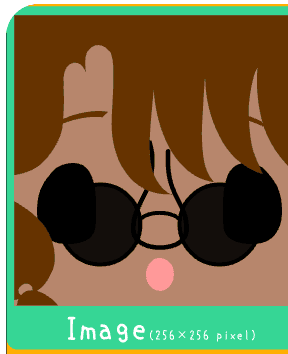
Dark-skinned avatar with round black glasses and layered brown bangs

Round shades pop

Oversized dark frames contrast with layered brown bangs.
  1. Choose dark skin and brown hair.
  2. Try layered bangs and large round glasses.
  3. Use a small pink mouth to balance the dark frames.
Use as a manual reference
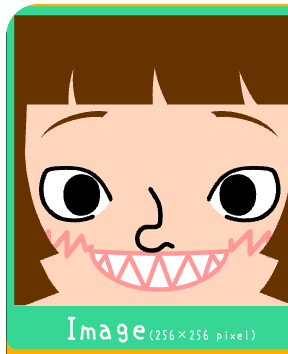
Pale avatar with blunt bangs, blush marks, and a sharp-tooth smile

Sharp grin bangs

A jagged grin and cheek marks add energy to a blunt fringe.
  1. Pair pale skin with a blunt fringe.
  2. Choose wide eyes and a jagged toothy mouth.
  3. Add cheek marks for a more animated expression.
Use as a manual reference
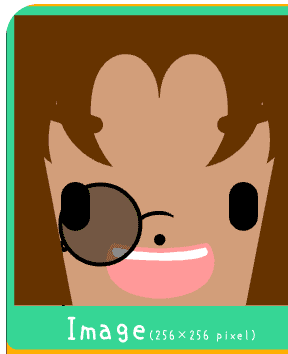
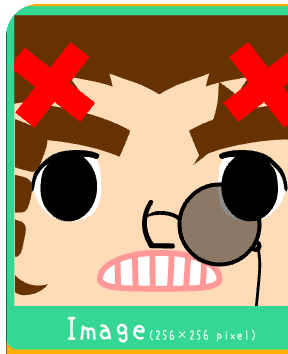
Peach avatar with red hair accessories, one round lens, and a striped grin

Monocle mischief

A single round lens and red accessories sit above a striped grin.
  1. Start with peach skin and a large round lens accessory.
  2. Look for crossed red hair accessories.
  3. Try a striped toothy mouth to echo the bold lines.
Use as a manual reference
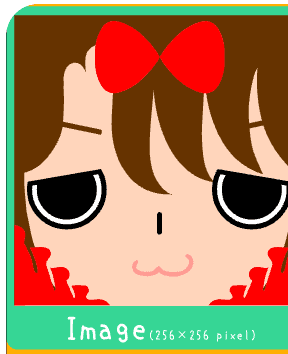
Pale avatar with a red bow, sleepy eyes, and red cheek accents

Ribbon sleepy face

Heavy eyelids and red cheek accents echo a bright red bow.
  1. Choose pale skin and heavy-lidded eyes.
  2. Add a red bow above the fringe.
  3. Keep the mouth small and add red cheek accents.
Use as a manual reference
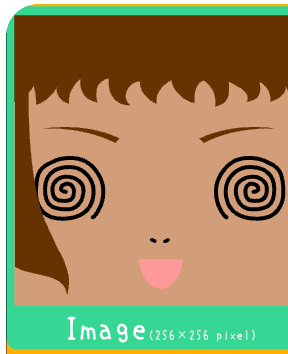
Tan avatar with spiral eyes and an open pink mouth

Spiral eyes look

Spiral eyes and an open pink mouth make a surprised face.
  1. Begin with tan skin and a simple hair shape.
  2. Browse the eye tab for spiral shapes.
  3. Pair them with a tiny nose and an open pink mouth.
Use as a manual reference
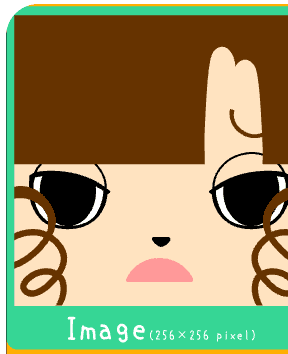
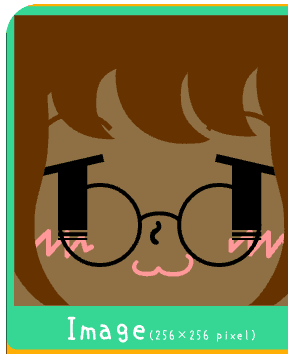
Deep-toned avatar with round glasses, pink blush, and a cat-like mouth

Blush shades cat mouth

Round frames and zigzag blush surround a tiny cat-like mouth.
  1. Choose a deep skin tone and round glasses.
  2. Add the pink zigzag cheek detail.
  3. Try a tiny cat-like mouth to leave space around the frames.
Use as a manual reference
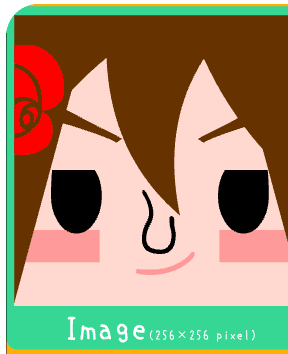
Pale avatar with a rose hair clip, side-swept bangs, and cheek blush blocks

Rose clip blush

A rose clip and blocky blush dress up a side-swept fringe.
  1. Start with pale skin and side-swept bangs.
  2. Look through the hair accessories for a rose clip.
  3. Add cheek blush blocks and an expressive eye shape.
Use as a manual reference
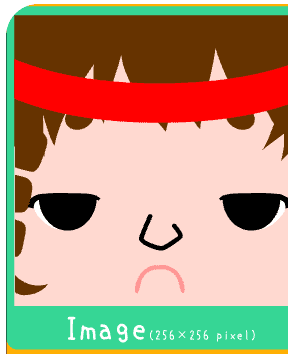
Pale avatar with a red ribbon band, sleepy eyes, and a pout mouth

Ribbon pout mood

Sleepy eyelids and a small pout give the ribbon look a different mood.
  1. Choose pale skin and a red ribbon accessory.
  2. Try sleepy or half-closed eyes.
  3. Pick a small pout in the mouth tab.
Use as a manual reference
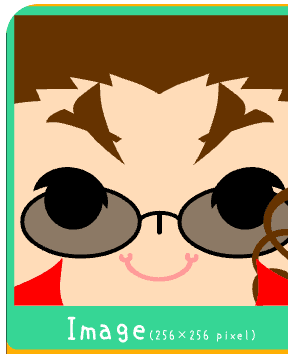
Peach avatar with pointed brows, round tinted glasses, and a pink smile

Glasses grin

Pointed brows and tinted round glasses frame a soft pink smile.

  1. Begin with peach skin and pointed eyebrows.
  2. Add round tinted glasses from the accessories.
  3. Choose a soft pink smile and compare it with a smaller mouth.
Use as a manual reference